TL;DR:
- Smart outdoor lighting control integrates connected devices to automate exterior lights and reduce theft. For large estates, centralized, hardwired systems using protocols like Zigbee ensure reliable, seamless automation and security integration. Proper planning and professional design optimize safety, efficiency, and aesthetic appeal across extensive properties.
Outdoor lighting control smart home integration is defined as the use of connected devices, protocols, and automation platforms to manage exterior lights from a single interface. A well-planned system reduces porch theft by 60% while cutting energy waste through scheduled dimming and sensor-triggered responses. The industry term for this category is intelligent lighting control, and it covers everything from simple Wi-Fi bulbs to hardwired estate platforms. Elegant Outdoor Lights designs and installs these systems for private estates across Bel Air, Beverly Hills, Pacific Palisades, and Malibu, where reliability and visual refinement are non-negotiable.
What does outdoor lighting control smart home integration require?
Every successful smart outdoor lighting control setup starts with three decisions: which communication protocol to use, which automation platform to commit to, and how to divide your property into lighting zones.

Choosing the right protocol
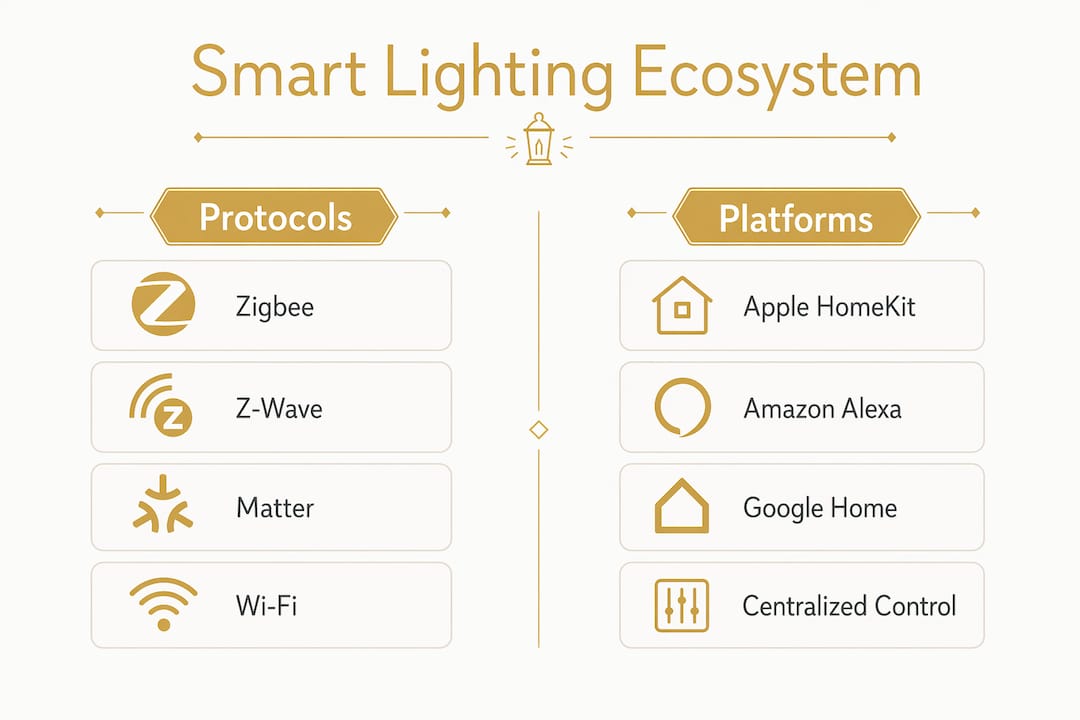
The four main protocols are Zigbee, Z-Wave, Matter, and Wi-Fi. Zigbee offers the most mature outdoor protocol in 2026, with a mesh network that extends coverage across large properties without relying on a single router. Z-Wave operates on a separate radio frequency, which reduces interference from household Wi-Fi. Matter is the newest standard and promises cross-brand compatibility, but most Matter-compatible fixtures remain Wi-Fi only in 2026, which limits outdoor reliability. Thread, the mesh layer underneath Matter, addresses this gap but requires a Thread border router already in your home network.
Ecosystem and device compatibility
Your protocol choice must align with your automation platform. Apple HomeKit, Amazon Alexa, and Google Home each support different device sets. Verify that the platform supports the specific device model, not just the brand, before you purchase anything. Buying a fixture that is "Alexa compatible" at the brand level but unsupported at the model level leads to costly replacements.
The table below shows the key device categories and what to check before buying.
| Device category | What to verify before purchase |
|---|---|
| Smart bulbs and fixtures | Protocol support and IP weather rating (IP65 or higher for outdoor use) |
| Smart switches and dimmers | Load compatibility with LED fixtures and neutral wire requirement |
| Hubs and controllers | Supported protocols and local vs. cloud processing |
| Motion and lux sensors | Outdoor-rated housing and integration with chosen platform |
| Low-voltage transformers | Smart control compatibility for landscape lighting zones |
Pro Tip: Before buying any device, search your automation platform's official compatibility list using the exact model number, not the product family name.
Zone planning is the final prerequisite. Outdoor lighting zones include entry, pathway, security, landscape, and entertainment areas, each with different automation needs. Map these zones on a site plan before ordering hardware so you know how many switches, sensors, and fixtures each area requires.
How do you set up and program a smart outdoor lighting system?
Installation follows a clear sequence. Skipping steps creates connectivity gaps that are difficult to diagnose after the fact.
- Install fixtures and run wiring. Mount outdoor-rated fixtures at each zone. For low-voltage landscape lighting, connect runs to a smart transformer that accepts app or hub commands.
- Place your hub or border router centrally. Position it so the signal reaches the farthest outdoor zone. For Zigbee or Z-Wave, every paired device extends the mesh, so add plug-in repeaters in garages or outbuildings if needed.
- Pair devices one zone at a time. Add entry lights first, confirm they respond, then move to pathway and security zones. Pairing in sequence makes troubleshooting easier if a device fails to join.
- Configure zone groups in your app. Group fixtures by zone so a single command controls an entire area. Name groups clearly: "Front Entry," "Pool Deck," "Driveway Path."
- Set sunset and sunrise schedules. Most platforms pull local solar data automatically. Use this as your baseline on/off trigger rather than fixed clock times, which drift across seasons.
- Add lux sensor overrides. Lux sensors measure actual light levels and adjust for cloudy days and seasonal variation better than sunset time alone. Connect the lux sensor to your schedule so lights activate only when ambient light falls below your set threshold.
- Program motion-triggered responses. Set security zone lights to jump to 100% brightness on motion detection, then return to a dim hold level after a set period.
- Configure voice assistant integration. Link your hub to Alexa, Google Home, or Apple HomeKit and create scenes: "Good Night" could arm the security zone at full brightness while dimming the landscape zone to 20%.
Pro Tip: Set adaptive brightness to dim pathway and landscape zones to 15–20% during late-night inactive hours. Dimming during inactive hours extends fixture and driver longevity by 30–40%.
Scheduling and sensor logic work together. A schedule sets the window when lights are active. Sensors determine what happens within that window based on real conditions.
What common challenges arise, and how do you troubleshoot them?
Even a well-planned home automation lighting control system hits friction points. Most problems fall into four categories.
- Weak outdoor Wi-Fi coverage. Wi-Fi struggles with reliable outdoor coverage near garages and backyards. Switch to Zigbee or Z-Wave mesh devices, or add a Wi-Fi access point in an outbuilding to extend coverage to distant zones.
- False motion sensor triggers. Sensors activated by passing cars, animals, or wind-blown foliage waste energy and create alert fatigue. Dual-condition triggers requiring motion plus light-level confirmation prevent false activations during daylight and reduce nuisance alerts at night.
- Ecosystem fragmentation. Mixing different smart lighting ecosystems commonly causes app fragmentation and failed automation routines. Commit to one ecosystem or a centralized hub early. Adding a second ecosystem later means managing two apps, two sets of firmware updates, and two points of failure.
- Firmware and app update failures. Outdoor devices update less frequently than indoor ones because they are often on the edge of network coverage. Schedule monthly checks in your hub's device list and update firmware before the holiday season or any period of heavy use.
- Weather resistance degradation. Inspect gaskets and conduit seals annually. Water ingress into a junction box will cause intermittent connectivity that looks like a software problem but is actually a hardware failure.
Review your outdoor lighting safety practices annually alongside firmware updates. Physical and digital maintenance belong on the same schedule.
How do you scale smart outdoor lighting for estate-level properties?
Consumer-grade wireless devices work well for a single-family home with a compact yard. For multi-acre estates, the architecture needs to change.
Centralized, hardwired control platforms eliminate multi-app fragmentation and provide reliable control across large properties. These platforms integrate lighting with security, climate, and audio-visual systems through a single interface. The result is context-aware automation: when the security system arms at night, the lighting system responds by activating perimeter zones at low brightness and setting interior-facing landscape lights to a warm, occupied scene.
The table below compares feature categories for typical small and large property setups.
| Feature category | Small property (consumer-grade) | Large estate (centralized platform) |
|---|---|---|
| Control interface | Smartphone app per ecosystem | Single unified touchscreen or app |
| Protocol | Wi-Fi or Zigbee | Hardwired with Zigbee or Z-Wave extension |
| Cross-system integration | Limited (lighting only) | Full (security, climate, AV, gates) |
| Zone capacity | 10–20 devices | 100+ devices across multiple zones |
| Reliability | Cloud-dependent | Local processing, cloud-independent |
| Professional setup required | Optional | Required |
Hub-based ecosystems enable context-aware automations that consumer gadget setups cannot replicate. A Malibu coastal estate, for example, can program the driveway lighting to activate at 30% brightness when a vehicle is detected at the gate, ramp to full brightness as the car approaches, and return to a low ambient level within two minutes of the garage door closing. That sequence requires a centralized controller, not a collection of individual smart bulbs.
Professional architectural lighting design for large estates also accounts for multi-acre zone complexity, fixture placement relative to mature landscaping, and the electrical load distribution that consumer systems ignore entirely. The commissioning process for an estate-level system includes scene testing at dusk, sensor calibration, and a full walkthrough with the homeowner or estate manager before handoff.
Key Takeaways
Outdoor lighting control smart home integration delivers the most value when you commit to a single protocol, plan zones before purchasing hardware, and choose a control platform that matches your property's scale.
| Point | Details |
|---|---|
| Protocol choice determines reliability | Zigbee mesh outperforms Wi-Fi for outdoor coverage on properties larger than a standard lot. |
| Zone planning comes before hardware | Map entry, pathway, security, landscape, and entertainment zones on paper before ordering any device. |
| Dual-sensor logic prevents false triggers | Combine motion detection with lux confirmation to avoid nuisance activations during daylight. |
| Ecosystem commitment reduces fragmentation | Mixing platforms creates app conflicts and unreliable scenes; pick one ecosystem from the start. |
| Estate-scale systems require centralized control | Hardwired platforms integrate lighting with security and climate in ways consumer devices cannot. |
What I've learned after years of estate lighting projects
The most common mistake I see is homeowners buying devices first and planning second. They pick up a set of smart pathway lights because they work with Alexa, then add a different brand of security floodlights because they were on sale, and six months later they are managing three apps and wondering why their "Good Night" scene only controls half the yard.
The second mistake is treating outdoor lighting as a gadget category rather than an infrastructure decision. A smart bulb screwed into a standard outdoor socket is not an intelligent lighting system. It is a convenience feature. A real intelligent lighting system has defined zones, calibrated sensors, and a control layer that connects to the rest of the home. That distinction matters most on larger properties, where the gap between a consumer setup and a professional one is measured in reliability, not features.
The trend I find most promising is local AI processing at the hub level. Current systems react to triggers. The next generation will learn patterns: when the family typically arrives home, how long guests stay on the pool deck, which zones go unused after 10:00 PM. That shift from reactive to predictive control will make outdoor lighting genuinely useful rather than just impressive to demonstrate. For now, the best practice is to invest in professional landscape lighting design before buying hardware, not after.
— Chris
Professional outdoor lighting design by Elegant Outdoor Lights
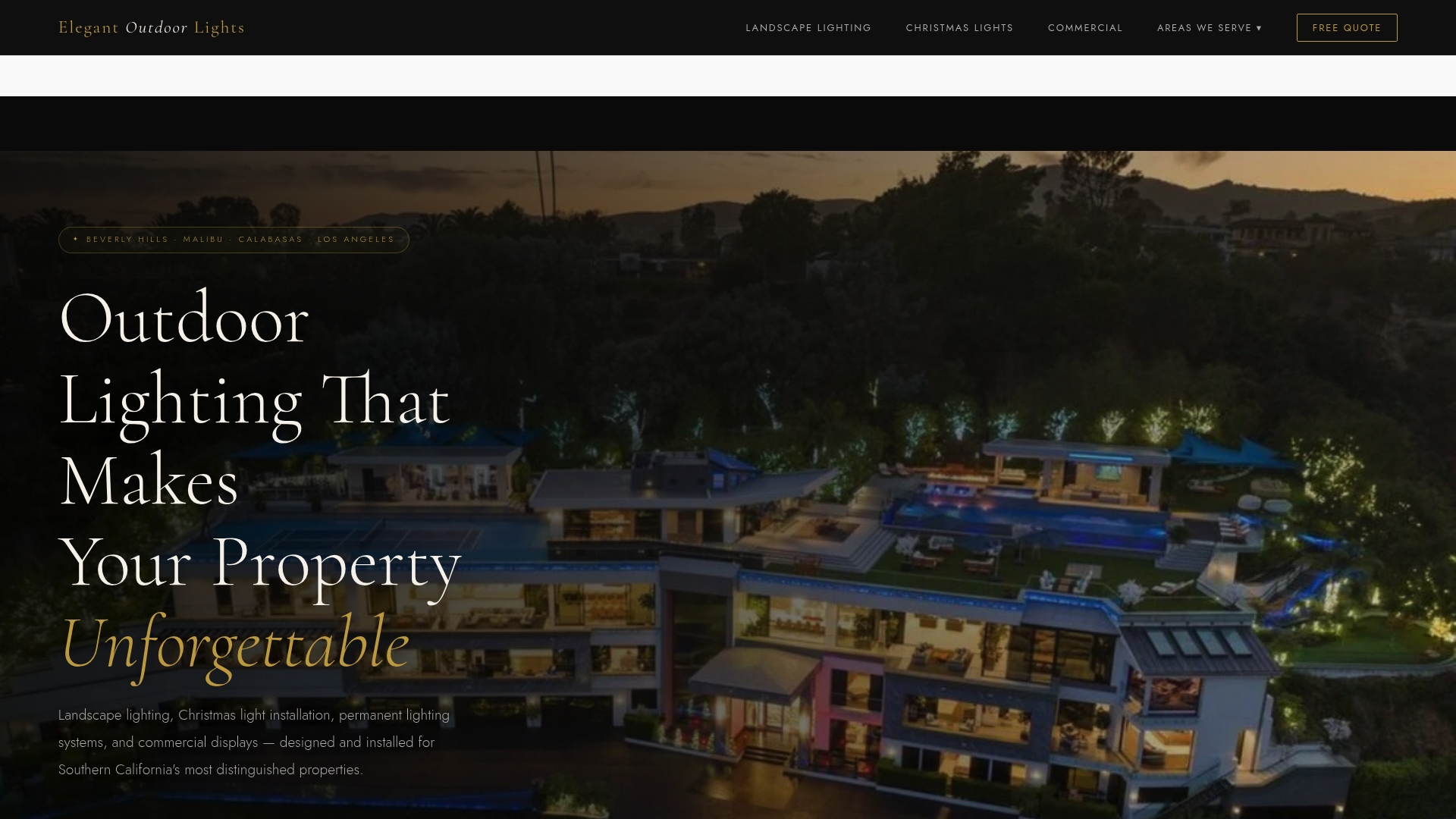
Elegant Outdoor Lights designs and installs landscape lighting systems for private estates across Los Angeles, including Bel Air, Beverly Hills, Pacific Palisades, and Malibu. Every project is custom-designed at dusk, calibrated to the architecture and grounds, and built for reliable year-round performance.
Whether you are planning a new smart outdoor lighting system or upgrading an existing installation, the Elegant Outdoor Lights team handles zone design, fixture selection, protocol compatibility, and full commissioning. For seasonal displays, the team also manages professional holiday light installation with the same white-glove standard. Contact Elegant Outdoor Lights to schedule a consultation and get a system designed to perform from the first night.
FAQ
What is smart lighting integration for an estate?
Smart lighting integration for an estate is the connection of all exterior lighting zones to a centralized control platform that automates schedules, responds to sensors, and integrates with security and climate systems. Estate-level setups use hardwired controllers rather than consumer-grade wireless devices for reliability across large properties.
Which protocol works best for outdoor smart lighting?
Zigbee is the most mature and reliable protocol for outdoor smart lighting in 2026, because its mesh network extends coverage across large yards without depending on a single Wi-Fi router. Z-Wave is a strong alternative, and Thread is emerging as a future-ready option for Matter-compatible systems.
How do I stop my outdoor motion lights from triggering constantly?
Set your motion sensors to require both motion detection and a low lux reading before activating. This dual-condition logic prevents false triggers from animals, passing cars, and daylight reflections.
Can I integrate outdoor lighting with my home security system?
Yes. Centralized platforms connect outdoor lighting directly to security systems so that arming the alarm also activates perimeter lighting zones. Consumer-grade platforms offer limited versions of this through app-based routines, while hardwired estate platforms handle it natively.
How much does a professional smart outdoor lighting system cost?
Pricing varies by property size, fixture count, protocol, and control platform, and is not publicly listed as a standard figure. Elegant Outdoor Lights provides custom quotes based on a site consultation and dusk walkthrough.